How to Choose the Right USB Connector for Your Needs?
In today's tech-savvy world, choosing the right USB Connector can be challenging. With various types and standards, it’s crucial to make informed choices. As USB connector expert, Dr. Emily Carter states, “Selecting the best USB connector is essential for optimal device performance.” Her insights highlight the significance of understanding the specific needs for different devices.
USB connectors come in several forms, including USB-A, USB-B, and USB-C. Each type serves unique purposes and compatibility requirements. For example, USB-C connectors support faster data transfer and charging than their predecessors. Such specifics matter when making your choice, especially for demanding devices.
Understanding your requirements leads to better decisions in this diverse market. Some users may prefer compact designs, while others need robust connectors for frequent use. Reflecting on personal needs aids in navigating through options. Ultimately, the right USB connector not only enhances functionality but also ensures reliability in daily use.
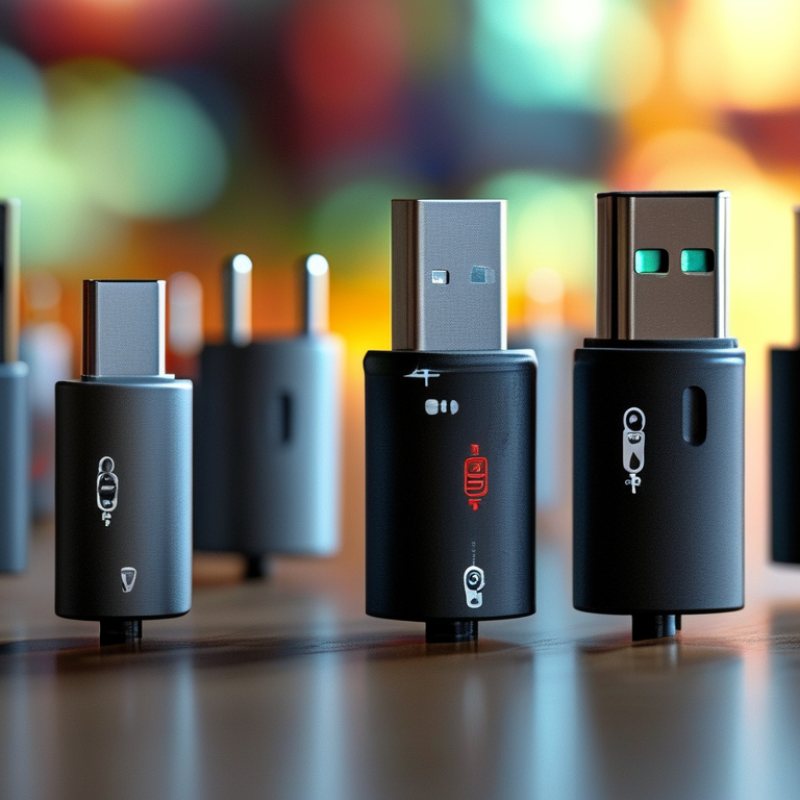
Understanding the Different Types of USB Connectors Available Today
USB connectors have evolved significantly over the years, making it crucial to understand the various types available today. The most common types include USB-A, USB-B, and USB-C. USB-A is the standard connector found on most computers. It is easy to see but limited in versatility. USB-B is often used for larger devices like printers. It is less common in everyday use but still important in specific contexts.
USB-C represents a modern solution. It is reversible and offers faster data transfer rates. Many new smartphones and laptops now use USB-C. This has led to its growing popularity. However, not all cables are the same. You may find some USB-C cables support only charging, while others allow data transfer as well.
Knowing these details is essential, yet many users still make mismatched choices. For example, a device may require a cable that supports high-speed data transfer, but using a basic USB cable won’t fulfill those needs. Be aware of what your devices require. Reflect on how you use your devices to choose the right connector effectively. The wrong choice can lead to frustration, so take the time to consider your requirements carefully.
Understanding the Popularity of Different USB Connector Types
Identifying Your Device Compatibility Requirements for USB Connectors
When choosing the right USB connector, compatibility is key. Every device has specific requirements. Knowing these is crucial. Different types exist: USB-A, USB-B, USB-C, and older versions. Each serves unique purposes. For example, USB-C supports faster data transfer and charging. Assessing your device's connectivity options is essential.
Tips for compatibility:
- Check your device specifications. Manufacturers often list compatible USB types.
- Consider future needs. Will you upgrade your devices soon? Choose a connector that’s versatile.
- Don’t overlook power requirements. Some devices need higher wattage to charge effectively.
Remember, not all connectors are created equal. The subtle differences can lead to connectivity issues. It’s important to verify what you actually need. Even small mistakes can hinder performance. If in doubt, consulting with experts can provide clarity. Focus on what’s practical and beneficial for your specific situation.
Evaluating Data Transfer Speeds and Power Delivery Features
When selecting a USB connector, data transfer speeds and power delivery capabilities are essential factors. USB standards evolve continually, affecting how quickly data can be transmitted. USB 2.0 offers slower speeds, while USB 3.0 and 3.1 significantly improve transfer rates. Understanding these specifications helps in matching the connector to your needs.
Power delivery features are equally crucial. USB-C connectors can deliver up to 100 watts of power, enabling rapid charging for devices. This capability is beneficial for laptops and high-demand gadgets. However, the variety of USB types may lead to confusion. Not all cables support the same power levels, which can result in underperformance. Always check compatibility before connecting devices.
Consider your specific requirements. Will you use the connector primarily for data transfer, charging, or both? Reflecting on these details may help you avoid frustrating experiences. Users often overlook the importance of checking cable specs, leading to unmet expectations. Prioritize quality, even if it may require a bit more investment.
Considering the Physical Size and Design of USB Connectors
When selecting a USB connector, the physical size and design are crucial factors. Numerous variations exist, including Type-A, Type-B, and Type-C. Each variant serves different purposes. For example, Type-C has become popular due to its reversible design and higher data transfer rates. In fact, according to a report by the USB Implementers Forum, Type-C connectors are expected to reach a market penetration of over 80% by 2025.
Design matters as well. A compact connector might be ideal for portable devices, while larger connectors work better for stationary devices. Smaller connectors can lead to a more ergonomic design. However, some users might struggle with the ease of handling tiny connectors. A report from the International Electrotechnical Commission highlights that physical size plays a significant role in user satisfaction. Misalignments can occur with smaller connectors, impacting overall usability.
Moreover, consider the application of the connector. High-powered devices may require specific designs to accommodate power delivery. A poorly chosen size could lead to overheating or inadequate power transfer. An analysis by TechInsights suggests that inappropriate connector choices can compromise device performance. Understanding these factors contributes significantly to making an informed decision.
Assessing Future-proofing Needs for Upcoming Technology Trends
When selecting the right USB connector, it's crucial to consider future-proofing. Technology evolves rapidly. Many experts predict that USB4 will dominate the market by 2025. Reports indicate that the global USB connector market is expected to grow to $14 billion by 2028, driven largely by demands for faster data transfer and increased power delivery.
Users should assess their current and upcoming needs. For instance, 8K video streaming requires high bandwidth, which USB4 can support. Moreover, emerging technologies like augmented reality may use high-power USB connections. Adopting connectors that accommodate such advancements can save costs in the long run. However, not every device may require the latest standard. Reflecting on individual usage helps prevent overspending on unnecessary features.
A balanced approach ensures you select wisely. Compatibility with previous versions remains vital. Many reports show that nearly 60% of users still rely on USB-A devices. Choosing an overly advanced connector might lead to frequent compatibility issues. Staying informed about market trends and potential shifts is essential for making a sound investment.
